
Quick answer: Cruise ship WiFi has improved a lot since most major lines moved to Starlink, but it is still shared and still costs roughly $10 to $40 per device per day, depending on the line, the plan and when you buy. Buy it before you sail if you need it, pick the cheapest plan that covers your needs, and skip it if you only need to stay connected in port.
Cruise ship WiFi has improved substantially in recent years, mainly because major lines have been rolling out Starlink satellite service. It still is not home broadband, and it varies more than you would expect depending on your ship, your route and how many passengers are online at once. If you are deciding whether to buy a package, the answer depends on what you need to do online. For a line by line comparison, see our full guide to WiFi on cruise ships, and use this page to decide whether it is worth the money for you.
- Typical cost: About $10 to $40 per device per day. Onboard prices are usually higher than prices bought before you sail
- Plan types: A cheaper social or messaging tier, and a fuller internet tier. Streaming often needs the top tier
- Starlink: Now on most or all ships of many major lines, but not every ship yet
- Best times: Early morning and late evening, when fewer people are online
- Cheaper option for ports: A local or regional eSIM
How Cruise Ship WiFi Works
Ships connect to satellites. Traditionally this meant geostationary satellites about 35,000 km above Earth, which brought high latency and limited bandwidth. That system gave cruise WiFi its bad reputation.
Starting around 2023 and 2024, major cruise lines began switching to Starlink, which uses low earth orbit satellites at a fraction of the altitude. The result is noticeably lower latency and higher potential speeds. Royal Caribbean, Carnival, Norwegian, Celebrity, Holland America, MSC and others have been rolling it out across their fleets, though coverage differs by line and some ships are still on older systems. Check your specific ship before you buy.
Even with Starlink, there is a ceiling. The satellite bandwidth is shared across potentially thousands of passengers. During peak hours, such as mid afternoon at sea and evenings, the network can slow noticeably as more people compete for the same connection.
What It Costs
Prices vary a lot by line, tier and when you buy. As a rough guide, entry plans run from free or around $10 to about $20 per device per day, while top tiers can reach $30 to $40 or more. Onboard rates are typically 20 to 40 percent higher than prices bought before the cruise, so buying early usually saves money. Longer sailings sometimes offer a per voyage package that works out cheaper per day.
Most lines offer two or three tiers:
- Social or messaging plan: The cheapest option, usually limited to social media apps and messaging such as WhatsApp. It generally does not cover video calls or streaming, and some lines limit it further, so check what it includes.
- Standard or value plan: Adds web browsing and email, usually without streaming or video calls.
- Premium or streaming plan: The most expensive tier. It allows streaming and video calls, subject to the ship's bandwidth. Some lines, such as Royal Caribbean, sell a single package that includes streaming.
Some lines include WiFi in fares or perks. Virgin Voyages includes a basic tier for every guest and sells a faster one for a fee. Norwegian has often bundled WiFi into its Free at Sea offer, and Celebrity includes basic WiFi in some fares. Princess includes it in its Plus package, and Royal Caribbean gives free days to higher loyalty members and suite guests. Always check what your booking includes before you buy a package separately. Our guides to the Norwegian, MSC and Holland America packages show how fare bundles change what you pay.
What Starlink Actually Changed
Before Starlink, video calls on cruise ship WiFi were essentially unusable. Email was slow, and even loading image heavy websites took patience.
On Starlink equipped ships, passengers report that WhatsApp and FaceTime video calls work with reasonable reliability. It is not perfect, but it is workable. Web browsing and email feel much closer to normal.
The caveat is that "Starlink equipped" means different things on different lines. Some ships have it throughout, some have partial installations, and some ships in a fleet do not have it yet. Your experience may differ from a review of the same line if you sail on a different vessel.
Streaming: Realistic Expectations
Do not count on streaming Netflix or similar services reliably. On a Starlink ship with a streaming tier, standard definition video is usually workable, and HD is sometimes possible off peak. During a busy sea day afternoon, results can be patchy. You may have better luck at 2am when half the ship is asleep.
If streaming matters to you, download content to your device before you board. Netflix, Spotify and most major apps let you do this, and it is the cleanest solution. Connecting from your cabin rather than the pool deck can also help, because many people share one access point outside.
The eSIM Alternative for Port Connectivity
Here is what many first time cruisers do not know. If your main interest in connectivity is keeping up with things while you are ashore, you may not need ship WiFi at all.
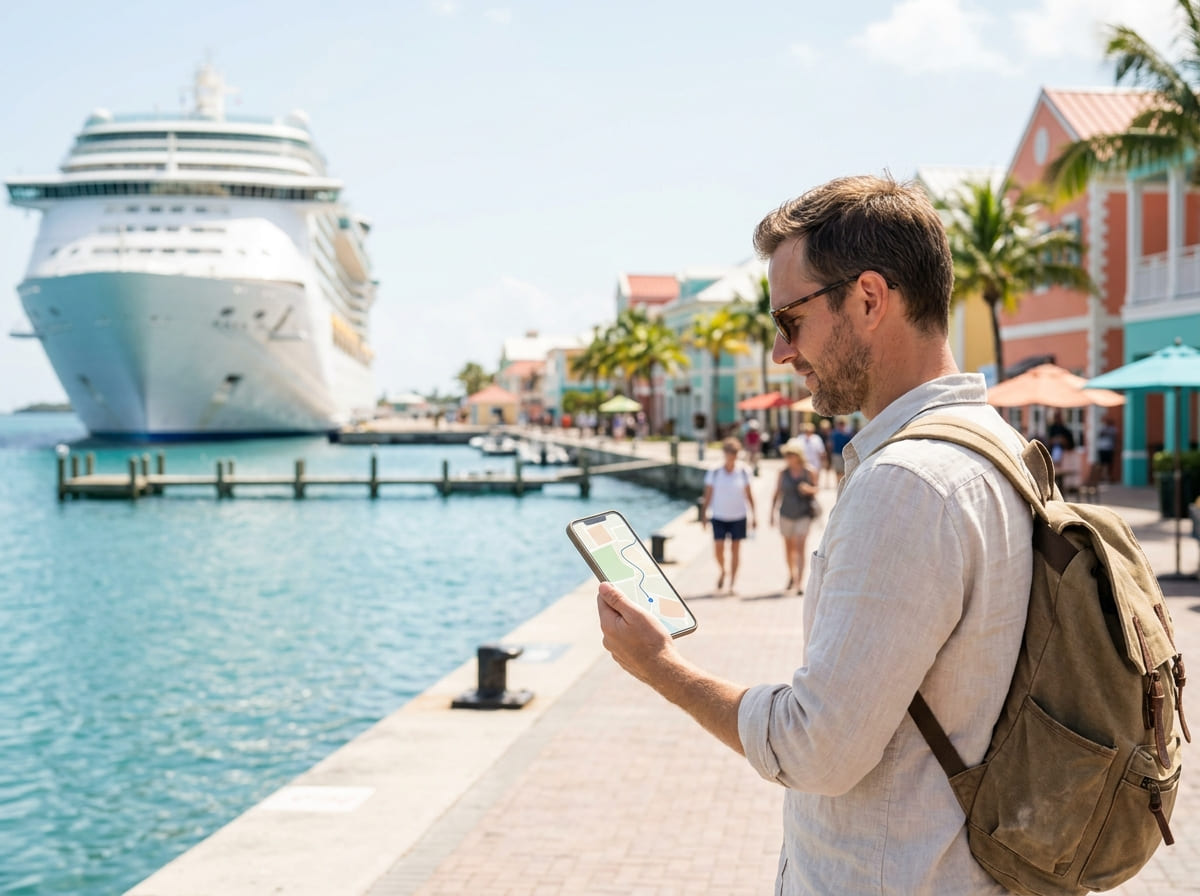
eSIMs are digital SIM cards you load onto your phone before you travel. They give you cellular data at each port using local networks. Providers such as Airalo sell regional data plans for the Caribbean, the Mediterranean and other cruise regions at reasonable prices. A regional eSIM with a few gigabytes of data can cost less than a single day of ship WiFi, and it works at full cellular speeds while you are in port. It pairs well with a day of exploring, such as in St. John's, Antigua or King's Wharf, Bermuda, where you may want maps and photos on hand.
The tradeoff is that a standard regional eSIM gives you no connection at sea between ports. If that is fine for you, an eSIM can be a better option than a full ship WiFi package. Some specialist maritime eSIMs do work at sea, but they usually cost more, so compare prices first. Planning your port days? Browse our Caribbean cruise ports and shore excursions pages.
When Ship WiFi Is Worth It
- You need to be reachable all the time, for work, family with health concerns or other situations where going offline at sea is not an option
- You are on a long sailing with several sea days and want connectivity throughout
- Your line bundles WiFi in a package that costs less than buying it separately
- You have loyalty status that includes free minutes, which makes a supplemental upgrade cheaper
When You Can Skip It
- You only need connectivity at ports, so use an eSIM instead
- You are on a short sailing and can unplug for a few days
- You only want messaging, so buy the social plan instead of the full package
Practical Tips
- Buy early: Pre cruise prices are usually lower than onboard prices. Check your cruise line's site or app before you board.
- Use off peak hours: For video calls, uploads and real work, early morning (roughly 6 to 8am) and late evening (roughly 10pm to midnight) are usually the least crowded.
- Avoid roaming charges: Put your phone in airplane mode, then turn on WiFi, and turn off data roaming. International roaming on a cruise can generate significant fees if your phone connects to a maritime cellular network. Check with your carrier before sailing.
- Remember your devices: Plans are usually priced per device, so check how many devices you can connect.
- Add it to your budget: WiFi can add up over a week. Include it in your cruise budget calculator estimate and see our guide to guaranteed cabins if you are trying to save on the fare itself.
- Plan the last day: Save any boarding documents and transfer details offline before you leave the ship. Our guide to disembarkation day explains what to have ready.
Plan the Rest of Your Cruise
- WiFi on Cruise Ships: Speeds, Costs and Which Lines Do It Best
- What Is Cruise Onboard Credit?
- What Is a Guaranteed Cabin?
- What to Expect on Disembarkation Day
- Norwegian Cruise Line Drink Packages
- Celebration Key, Carnival's Private Island
- Shore Excursions
- Cruise FAQs
Frequently Asked Questions
Is cruise ship WiFi good enough for video calls?
On ships with Starlink, video calls are generally workable, though not perfect. On older satellite systems, video calls are unreliable. Performance also varies by time of day, and off peak hours give you the best chance of a stable connection. Starlink is widespread among major lines but not yet universal across every ship.
How much does cruise ship WiFi cost?
Roughly $10 to $40 per device per day, depending on the line, the tier and when you buy. Onboard rates are typically higher than prices bought before the cruise. Social and messaging plans are cheaper, and some lines include WiFi in certain fares or for loyalty members and suite guests.
What is Starlink on cruise ships?
Starlink is SpaceX's low earth orbit satellite internet service. Unlike the geostationary satellites traditionally used on ships, Starlink's satellites are much closer to Earth, which means lower latency and higher speeds. Major cruise lines have been deploying it across their fleets since 2023 and 2024, and it has made a noticeable difference on ships that have it.
Can I use my phone's cellular data at cruise ports instead of buying WiFi?
Yes. If your main need is connectivity at ports, an eSIM with a regional data plan can be a better option than paying for ship WiFi. You get cellular speeds ashore at a lower cost, though a standard regional eSIM gives you no connection at sea between ports.
Do cruise ships have free WiFi?
Not on most mainstream lines, where it is sold as a package. Exceptions include certain fare bundles that include WiFi, some loyalty perks with free days or minutes, and some suite level inclusions. Virgin Voyages includes a basic tier for all guests. Check what your booking includes before you buy a package.
Is it cheaper to buy cruise WiFi before I sail?
Usually yes. Pre cruise prices are typically lower than onboard rates, so if you know you will want WiFi, buy it in advance through your cruise line's site or app.